




Scheduled maintenance on November 28th, at 1:00 AM at CST
Kindly note that Voximplant Kit will be undergoing brief scheduled maintenance on November 28th, at 1:00 AM CST
 2023-11-22
 2798
2798Kindly note that Voximplant Kit will be undergoing brief scheduled maintenance on November 28th, at 1:00 AM CST
2023-11-222798
Soon, the obsolete «Live dashboard» section will be hidden in the interface to improve the usability of our product. All queue and PDS campaign statistics are available in the «Live monitoring» section, which offers more features to track your contact center key indicators.
2023-11-153798
Agent’s Workspace in Voximplant Kit will be redesigned. The call panel will be moved to the top of the page. Call processing options will be located below the call panel. The contact list for call transfer will be placed on the right side of the page.
2023-10-093212
You can now use Internal chats in the Voximplant Kit interface to streamline communication with your colleagues. The functionality is designed for private chatting between employees and group communication.
2023-08-022446
Voximplant Kit will soon introduce the updated status management mechanism to streamline your work. We will hide the «Receive new» switch and add the ability to schedule your next status. We will also move the essential tools, like Profile settings, agent’s Live statistics, Help center, Softphone, and Internal chat, from the bottom menu to the top bar for easier visual navigation.
2023-07-193050
It's more important than ever for businesses to deliver exceptional customer support to remain relevant in a rapidly growing digital landscape. Let's walk you through how to set up a customer support center with Voximplant Kit.
2023-03-3042415
Call tracking is a powerful tool to analyze and optimize phone interactions with customers. Let's explore the many benefits of call tracking and how it can help businesses of all sizes.
2023-03-2026442
The Zoho CRM ecosystem on the marketplace hosts a Voximplant SIP webphone for convenient customer service and CRM in one window.
2022-11-21116865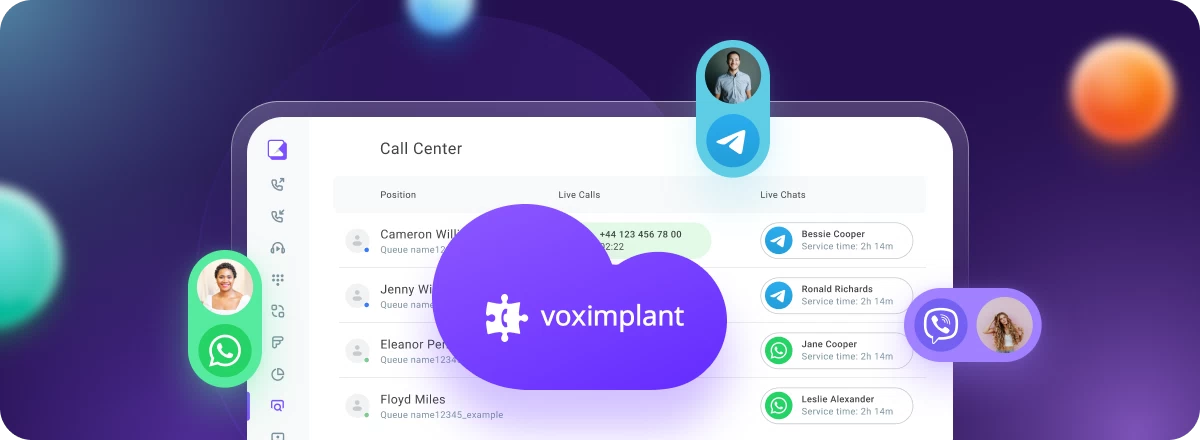
Voximplant shares tips for improving your customer communications with omnichannel technology
2022-08-30117497
We are excited to announce the new integration of Zendesk with Voximplant Kit.
2022-08-03111412
The good news doesn’t end and neither do Voximplant Kit updates. We've recently added several new features that you'll want to check out: two-factor authentication and custom agent statuses. Let's analyze each of them in order.
2022-07-12116232
Listen to Episode 18 of the Product Management Leaders Podcast to uncover strategies and tactics for building world-class products. Listen Now!
2022-04-2531699

OpenAI has recently announced GA version of their Realtime API that Voximplant now fully supports
2025-10-1018944
Voximplant now includes a native Grok module that connects any Voximplant call to xAI’s Grok Voice Agent API for real-time, speech-to-speech conversations. With a single VoxEngine scenario, you can interact via audio with Grok over phone numbers, SIP trunks and infrastructure, WhatsApp Business, or WebRTC into Grok — all without building custom media gateways or WebSocket streaming infrastructure.
2026-01-148950
Voximplant has added Secrets, a dedicated credential store for API keys, tokens, and other sensitive values that VoxEngine scenarios need at runtime
2026-04-27197
The new integration enables instant connection of any Voximplant call to an Ultravox agent, delivering seamless voice-to-voice conversations.
2025-05-2825821
New Features in Voximplant Kit: Update overview. We are constantly working to improve our product to make it easier to use and more effective for you. In this update, we have added several useful features. Here’s what’s new:
2025-02-1468681
Voximplant now includes a native Deepgram module that connects any Voximplant call to Deepgram’s Voice Agent API for real-time, speech‑to‑speech conversations. You can stream audio from phone numbers, SIP trunks, WhatsApp, or WebRTC into Deepgram’s unified agent environment—combining STT, LLM reasoning, and TTS—and play responses via Voximplant’s serverless runtime with minimal latency.
2025-12-177103
Voximplant has new realtime speech generation for voice AI from Inworld, our latest Voice AI text-to-speech (TTS) partner. Together, we combine state-of-the-art TTS with carrier-grade connectivity so you can build voice agents that sound like your brand, not a generic robot.
2025-12-0810917
Connect any Voximplant call to ElevenLabs Conversational AI agents
2025-06-0923769